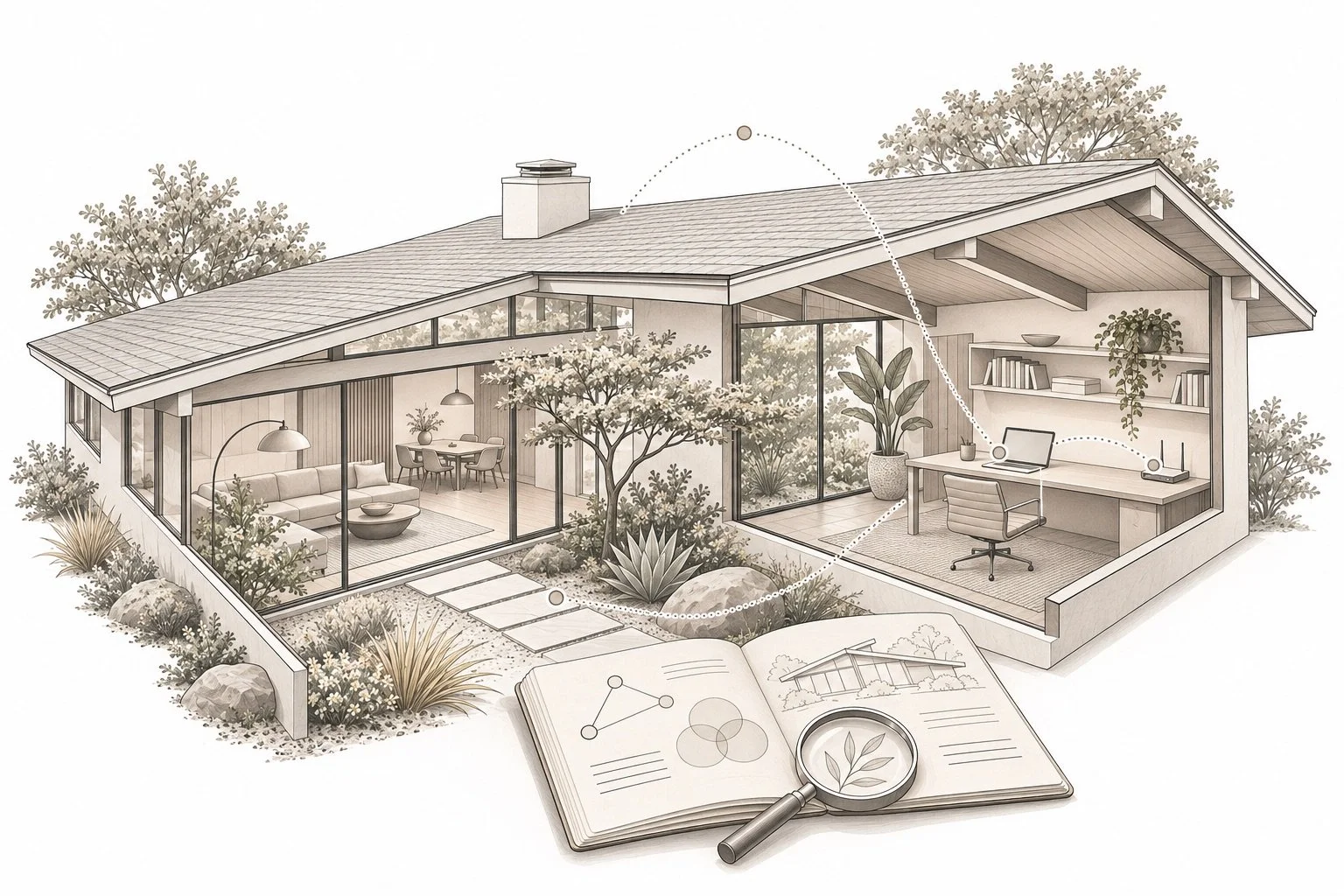
A home office can look ready for a video call while leaving important questions about service, wiring and account ownership unanswered. For buyers comparing homes in Palo Alto, Mountain View, Los Altos, Los Altos Hills and Sunnyvale, technology deserves its own research brief alongside layout and condition. Start with the exact address and the work you need the home to support. A city name, a smart thermostat or an attractive office photograph does not answer those questions.
This Property Nerds® guide offers a practical way to collect evidence before you commit to an installation plan or a move-in schedule. The Boyenga Team’s NextGenAgents™ approach combines digital research with property-specific follow-up. It does not assume that more connected devices make a better home.
Begin with the address, then confirm service directly
The FCC National Broadband Map is a useful starting point. The FCC explains that its fixed-broadband map shows provider-reported availability, technology and maximum advertised download and upload speeds at a location. Its mobile coverage layer describes outdoor or in-vehicle coverage, not indoor reception. Read the FCC’s instructions and note the data date when you research an address. These are reported availability signals, not a test of the connection inside the home.
Ask the provider to confirm the particular address, unit if applicable, available plan and installation requirements. Request an explanation of any equipment, access, construction or scheduling dependencies before assuming service will be ready on moving day. Keep the provider’s response and the date with your property notes. A nearby listing’s service description should prompt a question rather than substitute for address-level confirmation.
Write a use case before comparing speed claims
Describe a normal workday in plain language: two simultaneous calls, a large file upload, a quiet room for recording or a separate workspace away from the main house. Ask your employer’s IT team or a qualified network professional which requirements matter for your actual applications. Turn that advice into questions for the provider and installer instead of selecting a plan from a headline number alone.
Keep internet service and in-home coverage as separate questions. Ask where service enters the property, where equipment could be placed and how the proposed workspaces would connect. If a room, studio or detached structure is important to your plan, include it explicitly in the installer’s scope. Do not infer the condition or capability of wiring from a wall plate or the presence of a router. Our home inspection planning guide helps separate observations from questions that need specialist review.
Build a small technology inventory during due diligence
Ask which connected features are present and which items are intended to remain under the transaction’s agreed terms. Useful inventory fields include the device’s purpose, make and model if available, controller, subscription dependency, documentation and the person who can answer transfer questions. Include door access, cameras, thermostats, irrigation controls and network equipment when relevant to the property. Treat an incomplete inventory as an open task, not evidence that a system is defective.
For each feature you expect to use, ask how a new owner establishes an independent account and whether professional setup is recommended. Request manufacturer instructions rather than relying on a remembered sequence of button presses. Do not request the seller’s personal passwords or access private recordings. Discuss what stays, what is removed and how the handoff will occur with your agent so the technology plan follows the actual agreement.
Plan a private, secure handoff
The Federal Trade Commission’s home Wi-Fi guidance recommends current router software, unique administrative and network passwords, and WPA3 Personal or WPA2 Personal encryption. It also explains the purpose of a separate guest network. Use that guidance with the equipment manufacturer’s current instructions or a qualified professional when setting up your own network.
Make the handoff sequence explicit: who removes old account access, who confirms the new owner’s control, and what documentation is delivered. Ask the manufacturer how resets affect connected devices before changing settings. For security-related features, arrange an appropriate professional review if you cannot establish the intended access and operation. Keep any account recovery information private; the property research folder should contain the handoff checklist, not a shared collection of passwords.
Connect technology plans with the physical property
A proposed cable route, equipment location or workspace conversion may raise questions beyond the device itself. Ask the relevant professional what access and work the plan requires and which approvals should be checked. If your project depends on an addition or converted space, use our northern Silicon Valley permit-research guide to find official local starting points. It covers Palo Alto, Mountain View, Los Altos, Los Altos Hills and Sunnyvale without assuming that their records or procedures are interchangeable.
Separate three categories in your comparison: what is documented now, what a professional has proposed, and what remains unverified. Attach a date and source to each conclusion. A written installation estimate is useful planning information; keep its assumptions and exclusions beside the price. Discuss access and timing with your agent before arranging work at a property you do not yet own.
Use the same research brief for every finalist
Create one short comparison sheet for each home: address-level provider response, intended workspaces, equipment inventory, transfer questions, proposed follow-up and unresolved dependencies. Avoid allowing an impressive device list to overwhelm the rest of the home decision. Our home comparison framework places these findings beside layout, lot and everyday fit.
For sellers, a clear equipment and documentation brief can make the preparation conversation more useful. For buyers, a dated research file can help the right adviser answer the right question. Eric and Janelle Boyenga and the Boyenga Team at Compass bring that Property Nerds attention to the broader move. Bring your home-search questions to the team, including the work and technology needs that matter to you.
Official resources reviewed November 6, 2026. Service availability, equipment requirements and provider procedures can change. Confirm the particular address and system directly. This guide does not certify connectivity, cybersecurity, equipment condition or installation feasibility.