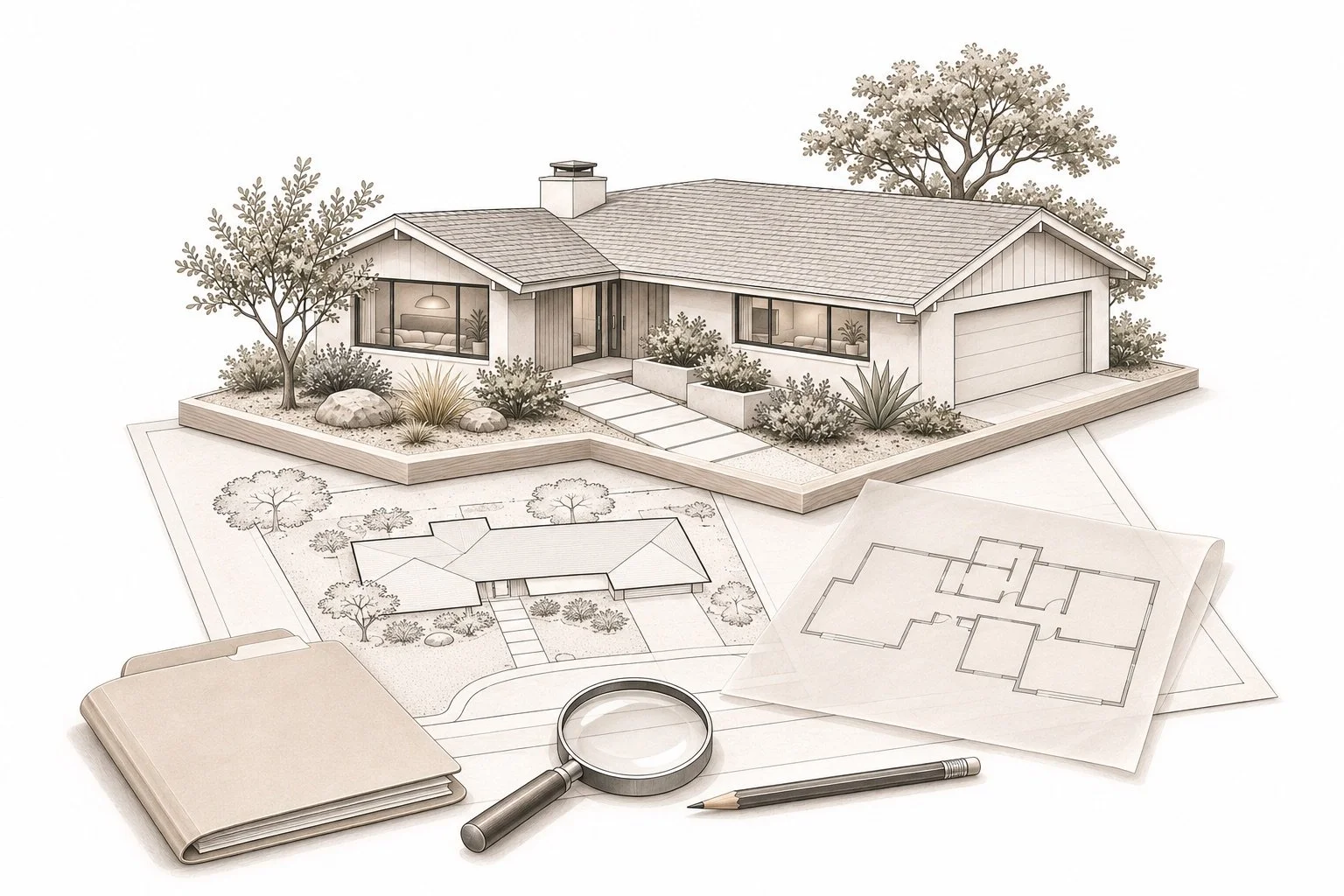
A remodeled kitchen, a converted garage or an added room can make a home more useful. They also give a buyer or seller specific questions to investigate. Which records describe the work? What stage did the application reach? Is there an inspection history or another document that helps explain what you are seeing?
For a home in Palo Alto, Mountain View, Los Altos, Los Altos Hills or Sunnyvale, begin with the appropriate local agency and the property's actual address. This Property Nerds® field guide brings together official research starting points and a repeatable way to organize the findings. It is a planning framework, not a determination that work was permitted, approved or compliant.
Start with the property and the question
Write down the address, any parcel information you have and the particular feature you want to understand. “Research the back-bedroom addition” is more useful than “check the permits.” Keep the approximate project dates and the sources of those dates beside the question. A seller's recollection, a contractor invoice and a public record may each contribute information without answering the same thing.
Confirm which city, town or county office holds the relevant records before relying on a portal. If the address, parcel or older records do not match what you expected, ask the agency how to search rather than guessing that an empty result settles the question. Save the date of your search and the words or identifiers you used so someone else can repeat it.
Official research starting points by community
Palo Alto
The City's Palo Alto Permit View information page introduces its tool for researching building, planning and code-enforcement activity. Use the City's instructions to explore the record that relates to your question. Keep the record number and description, then ask staff what documentation would establish the status you need to verify. A search result is a starting point for understanding the record.
Mountain View
Mountain View's Research Permit History page identifies searchable permit history from 2000 onward and separate issued and finaled permit lists. The City also explains that not all records are available online and that additional records can be viewed in person at the Permit Center. An incomplete online search therefore calls for a follow-up question, not an assumption about the property's history.
Los Altos
The City of Los Altos Building Division page links its eTRAKiT permit and inspection services and provides contacts for building and permit questions. Start with that official route and ask which search or records request fits the address and period you are researching. Describe the feature or work you are investigating so the response can address your actual question.
Los Altos Hills
Use the Town's Los Altos Hills eTRAKiT portal as a starting point for its permit research options. Keep the Town's records separate from records for the City of Los Altos; choose the relevant agency before interpreting a result. If you cannot find an older record or the status is unclear, ask Town staff what additional material is available for the property.
Sunnyvale
Sunnyvale's Permit Center page directs users to E-OneStop Online Services for permit and plan-history searches, among other services. Follow the current City instructions and retain the record identifier for later questions. If several entries relate to the same project, ask how they fit together and what additional information would clarify the work you are reviewing.
Keep the status attached to the record
When you find an entry, read its description and status together. Ask the issuing agency to explain whether you are looking at an application, an issued permit, an inspection entry or a completed process. Do not silently turn one label into another in your own notes. If a record refers to separate permits or later revisions, put those identifiers in the same research folder.
A practical note has four parts: the feature you are investigating, the document you found, the question it answers and the question still open. For example, a permit entry may identify work described as a kitchen remodel while leaving you with a question about the room addition you noticed during the tour. That is an illustrative research example, not a statement about any particular listing.
Connect documents with the home in front of you
Compare the available records with the features, disclosures and inspection findings you have been given. Ask a qualified professional to explain technical differences rather than diagnosing them from photographs. An invoice, a plan sheet and an inspection report each have their own purpose, date and scope. Keep that context visible when sharing them with your agent or another adviser.
For a buyer, the next decision may depend on access, additional records or specialist follow-up. Discuss those dependencies and the actual purchase agreement with your agent, lender or attorney as appropriate. Our home inspection planning guide helps organize the condition questions, while the home comparison guide puts those findings beside layout, lot and everyday fit.
Give sellers a clearer preparation brief
If you are preparing to sell, collect the records you already have before commissioning more work. Label invoices, warranties, plans and agency correspondence so they can be reviewed in context. Keep a list of missing or unclear items and discuss how to investigate them with your agent and the appropriate agency or professional. Organizing information early can make the preparation conversation more specific.
Use the same discipline for proposed improvements. Ask what approvals or review a particular scope may require, who will confirm that information and how it affects your schedule. Avoid treating a contractor's estimate as an answer to every permitting question. The home-selling roadmap and preparation guide connect those questions with the wider listing plan.
A useful Property Nerds research file
Keep a short index at the front of the folder: property address, research date, agency contacted, record identifiers, documents received and open questions. Give each unresolved question a next step and a responsible person. If new information changes your understanding, retain the earlier source and explain the change rather than overwriting the history.
This is the detail work behind the Boyenga Team's NextGenAgents™ approach: use digital tools to find information, then apply careful human review to the property and the move you are making. Eric and Janelle Boyenga and the Boyenga Team at Compass can help connect your research with a practical buying or selling conversation. Bring the address and your open questions to the team.
Official links reviewed November 6, 2026. Portals and available records can change. Confirm current procedures, the meaning of a status and property-specific requirements with the responsible agency. This article does not certify permit status, legal use, condition or future approval.